Cloud Backup for Small Business: 7 Best Providers Compared
Your accountant’s laptop gets stolen from her car. A ransomware email lands in your office manager’s inbox. A burst pipe floods the room with your server. Three different disasters, one question: could your business be running again tomorrow?
A proper cloud backup for small business plan answers that question with a yes, and it costs less than one team dinner a month. This guide explains what cloud backup actually means, which providers fit real small-business setups, what you will pay, and how to get everything running tonight.
Cloud backup for small business copies your critical files, systems, and emails to secure off-site servers automatically, so you can restore everything after ransomware, theft, fire, or hardware failure. Budget roughly $8 to $15 per computer per month for endpoint backup, or pick a pooled plan like IDrive if you have many devices sharing one data cap.
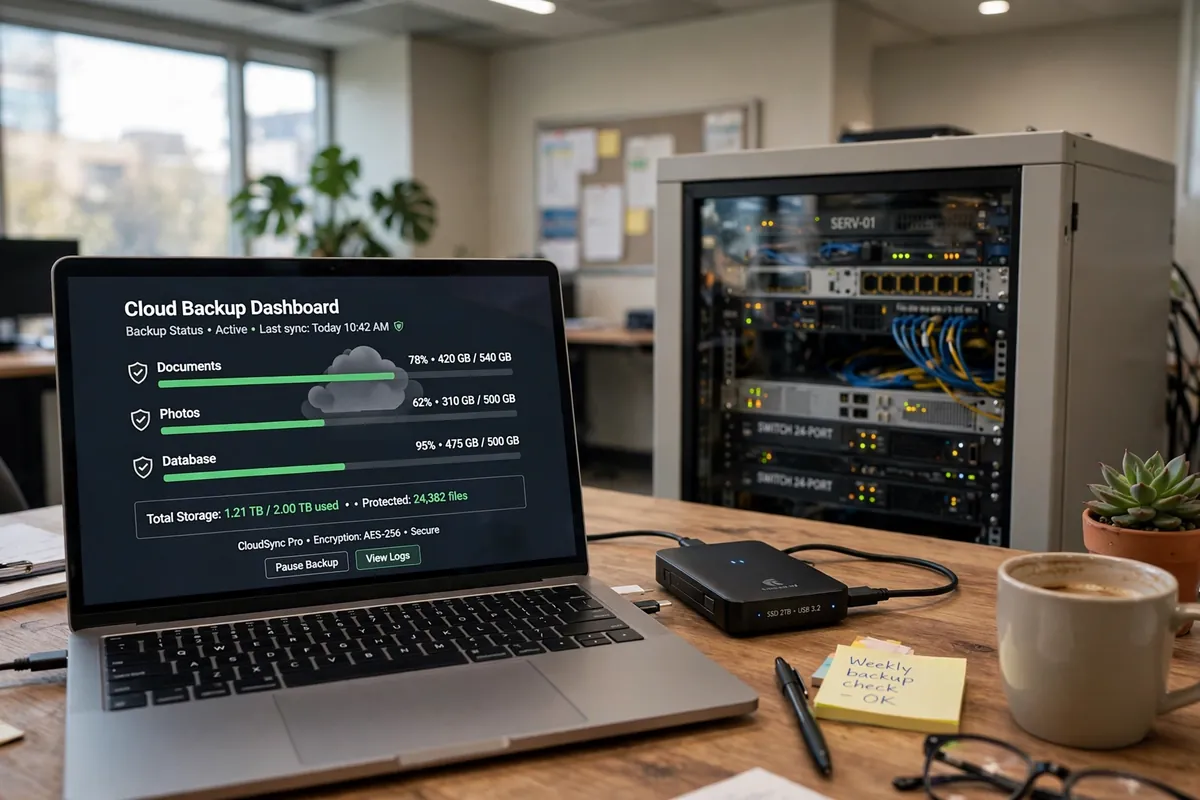
Table of Contents
- What Is Cloud Backup (and What It Is Not)?
- Why Does Your Small Business Need Cloud Backup?
- Which Cloud Backup Solution Fits Your Business?
- How Much Does Cloud Backup for Small Business Cost?
- The 3-2-1 Backup Rule: Your Setup Blueprint
- How Do You Set Up Cloud Backup in 30 Minutes?
- How Do You Know Your Backup Actually Works?
- 5 Mistakes Small Businesses Make With Cloud Backup
- When Is Cloud Backup NOT the Right Move?
- What About Microsoft 365 and Google Workspace Data?
- Conclusion
- Frequently Asked Questions
What Is Cloud Backup (and What It Is Not)?
Cloud backup is automated software on your computers and servers that encrypts your files and copies them to remote data centers on a schedule. When something goes wrong, you log into a web console and pull your files back, either one file at a time or as a full system restore.
Here is the trap most owners fall into: Google Drive, Dropbox, and OneDrive are sync services, not backup services. They mirror your files across devices in real time. That sounds safe until ransomware encrypts a file and the corrupted version syncs everywhere, or someone deletes a folder and the deletion syncs too. Sync services keep limited file history, but recovering from them is slow and painful. Real backup software keeps versioned copies on its own schedule, independent of whatever happens on your live machines.
Why Does Your Small Business Need Cloud Backup?
Because the math is brutal. Industry analyses put the cost of a single data-loss incident for a small business between $25,000 and $254,000 depending on size and downtime, and ransomware crews now target small firms precisely because their defenses are thin.
You need backup if any of these sound familiar:
- Your customer list, invoices, and contracts live on one laptop or office PC.
- Your team shares files through a free Drive or Dropbox account with no admin control.
- Nobody has tested whether your files are recoverable in the last year.
- Your “backup” is an external hard drive sitting next to the computer it backs up.
Fire, flood, and theft take the local drive too. An off-site copy is the only protection that survives all of these at once.
Which Cloud Backup Solution Fits Your Business?
Start with your shape, not the feature list. A five-laptop consultancy and a 40-PC shop with a server need different plans. Choosing a cloud backup plan for your small business comes down to device count, whether you run servers, and how hands-on you want to be.
Backblaze Business: best for simplicity. Unlimited storage at roughly $99 per computer per year, with almost zero configuration. Install it and it backs up everything except system files. Great for teams where everyone just needs their own machine protected and nobody wants to babysit software. The trade-off: no server or database backup on this plan.
IDrive Business: best overall value. A pooled storage plan covering unlimited users and devices under one account, starting around $99.50 per year for the entry tier, and it handles servers, databases, and even phone backups. If you have eight laptops plus a server, this is usually cheaper than per-computer plans.
CrashPlan: best for steady per-user pricing. Around $8 to $10 per user per month with unlimited storage and continuous backup. Popular with teams that create files all day because it backs up as you work instead of on a fixed schedule. A solid compliance story for regulated industries.
Acronis Cyber Protect: best if you want backup plus security in one tool. From roughly $85 per year per device, you get backup with built-in anti-ransomware and endpoint protection, plus immutable backups on the advanced tier. That combination appeals to owners who want fewer dashboards to check.
Microsoft 365 backup add-ons: for your cloud email and files. Your Outlook mailboxes, OneDrive files, SharePoint sites, and Teams chats live in Microsoft’s cloud, but Microsoft’s own retention is limited. Vendors like Veeam, Acronis, and dedicated SaaS backup tools sell add-on protection (Microsoft lists its own 365 backup service at roughly $0.15 per GB per month). If your business runs on Outlook, this layer matters as much as endpoint backup.
Carbonite: the established legacy pick. Starting around $287.99 per year for a basic business plan, it is a known name with compliance-friendly features, though many owners find the newer options faster to set up and cheaper per device. A Research comparison of leading providers confirms this ordering for most small-office setups.
When you set your private encryption key, do not reuse a password you already know. Generate a fresh, long passphrase with a strong password generator and store the key in your password manager or a sealed envelope in the office safe. Lose the key and nobody, not even the vendor, can read your backups.
How Much Does Cloud Backup for Small Business Cost?
For a small business, cloud backup typically costs between $8 and $15 per computer per month for unlimited endpoint backup, or $75 to $150 per year for pooled plans covering many devices. Servers and database backup cost more, usually $40 to $90 per month per server depending on storage.
Budget for these layers, because most businesses need more than one:
- Endpoint backup (laptops/desktops): $8-$15 per device per month, or roughly $99 per year per computer on annual plans.
- Server backup: $40-$90 per month per server, depending on data size and whether you need full image recovery.
- Microsoft 365 / Google Workspace backup: roughly $3-$6 per user per month, or metered per GB.
- Cold storage for archives: services like Backblaze B2 or Wasabi charge a few cents per GB per month for long-term archives you rarely touch.
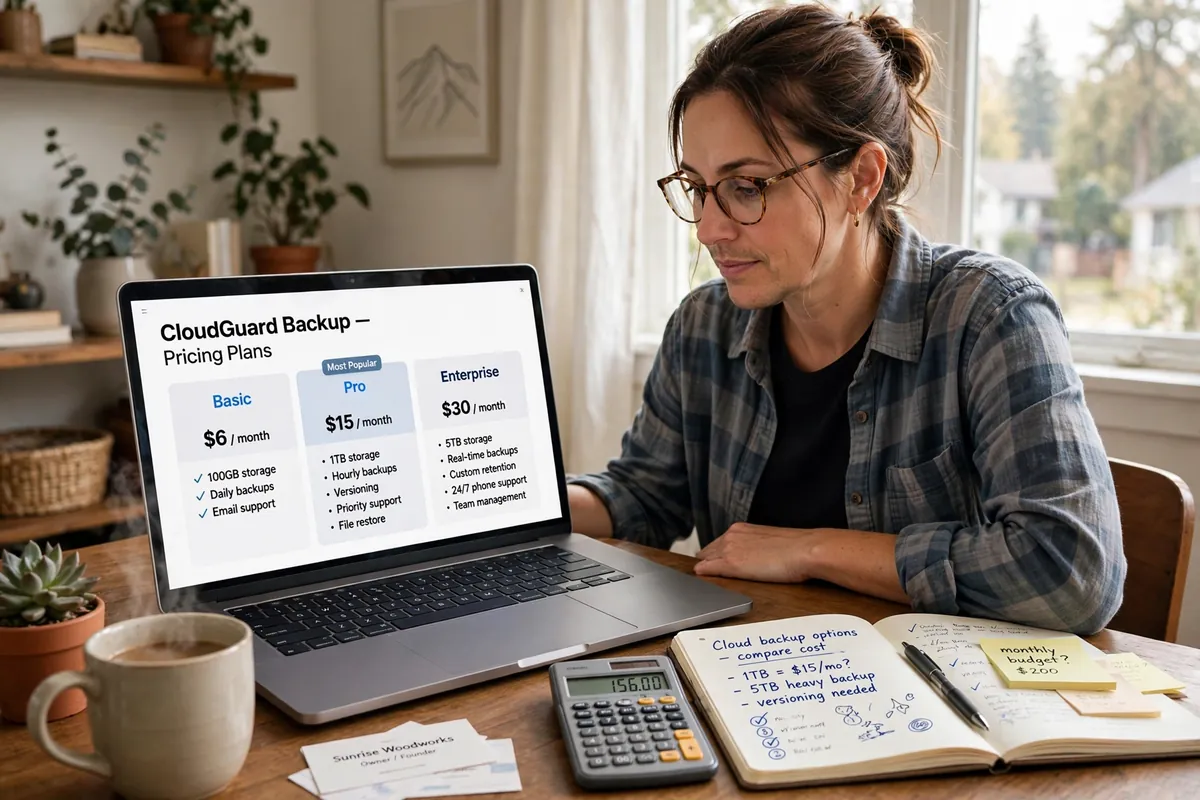
Watch the fine print: some “unlimited” plans throttle upload speeds, charge for priority restore shipping, or bill extra for keeping deleted files beyond 30 days. A Research breakdown of small-business backup and disaster recovery costs shows the same pattern: component prices look low, but total business-continuity cost runs higher once you add storage growth, retention, and recovery labor. A 10-person office with pooled storage and one server lands around $1,500 to $2,500 per year all-in for serious protection. If you want to model your own numbers, a free backup cost calculator lets you plug in data size, growth, and retention.
The 3-2-1 Backup Rule: Your Setup Blueprint
The 3-2-1 rule is the backup world’s most trusted formula, and it takes one sentence to explain: keep 3 copies of your data, on 2 different media types, with 1 copy off-site.
In practice for a small business, that means:
- Copy one: the live files on your computer or server.
- Copy two: an external hard drive or office NAS that backs up nightly (fast, local recovery).
- Copy three: your cloud backup service, syncing off-site automatically.
Why bother with the local drive if you have the cloud? Speed. Restoring 500 GB from a local drive takes an hour; downloading it can take a weekend. The cloud copy exists for the disasters that destroy the office itself.
How Do You Set Up Cloud Backup in 30 Minutes?
You do not need an IT department for this. Here is the exact sequence:
- Pick your tier from the provider list above based on device count and whether you run a server.
- Install the agent on each computer. Accept the defaults on the first pass; you can tune exclusions later.
- Set your private encryption key and store it somewhere safe (see the note in the provider section).
- Choose continuous or scheduled backup. Continuous protects files as they change; scheduled nightly backup is fine for most office work and uses less bandwidth.
- Add your server and SaaS data if you have them: SQL databases, file shares, Microsoft 365 mailboxes.
- Run the first backup overnight. The initial upload is always the big one; later backups only send changed blocks.
- Do a test restore this week (see the next section).
If you want help writing the plan down, you can structure your backup policy questions with an AI prompt generator, then fill in your own answers for each system.
How Do You Know Your Backup Actually Works?
A backup that has never been restored is a hope, not a plan. Put this ritual on the calendar:
- Monthly: pick three random files and restore them to a test folder. Confirm they open.
- Quarterly: restore one full folder to a spare machine and check that everything works.
- Yearly: run a full disaster drill. Pretend your main PC died and time how long it takes to get a replacement working from backup.
Most backup software logs every job with a success or failure status. Assign one person to glance at the dashboard every Monday morning. The most common real-world failure is not dramatic: it is a laptop that quietly stopped backing up three months ago because someone closed the app.

5 Mistakes Small Businesses Make With Cloud Backup
- Confusing sync with backup. Dropbox is not a backup plan. Ransomware and accidental deletions sync too.
- Backing up the wrong things. People protect documents but forget the accounting database, the CRM export, and the email archive. List your critical data first.
- Never testing a restore. Untested backup is a false sense of security. See the ritual above.
- Forgetting departing employees. When someone leaves, capture their machine’s backup before you wipe it. Client files walk out the door otherwise.
- Ignoring bandwidth. The first backup of 2 TB on a slow office connection can take weeks. Start it on a Friday evening and let it run.
When Is Cloud Backup NOT the Right Move?
Honesty matters here. Cloud backup is not always the answer:
- You handle data that legally cannot leave the country. Some healthcare, defense, and finance contracts require on-premise-only storage. Check your contracts before you upload anything.
- Your internet is truly unreliable. If uploads fail constantly, a hybrid setup with a local NAS doing the heavy lifting plus a smaller cloud copy for essentials beats a pure cloud plan.
- You back up huge video archives on a budget. Ten terabytes of raw footage is cheaper on local drives plus a cheap cold-storage tier than on per-device unlimited plans.
For most offices doing normal office work, none of this applies, and cloud backup is the obvious call.
What About Microsoft 365 and Google Workspace Data?
Your email, shared drives, and chat history live in someone else’s cloud, and most owners assume the provider backs it up. They do not, at least not for you. Microsoft and Google offer limited retention (usually 30 days for deleted items), and their tools are built for their own infrastructure recovery, not for pulling back your accidentally deleted mailbox from six months ago.
Add a SaaS backup layer if your business would stall without email history or shared files. It is the cheapest layer on the list, often $3 to $6 per user per month, and it covers the data your endpoint backup never sees.
Conclusion
Cloud backup is the cheapest insurance your business will ever buy. Picking the right cloud backup for small business plan comes down to three moves: match a provider to your device count, follow the 3-2-1 rule, and test a restore this month. The businesses that survive data disasters are not the lucky ones. They are the ones whose owner checked the dashboard on Monday morning.
Count your devices today, price two providers from the list above, and sign up before the week ends. Your future self will thank you.
Frequently Asked Questions
How much does cloud backup for small business cost?
Most small businesses pay $8 to $15 per computer per month for unlimited endpoint backup, or $75 to $150 per year for pooled plans covering many devices. Servers add $40 to $90 per month each, and Microsoft 365 backup runs $3 to $6 per user per month. A typical 10-person office pays $1,500 to $2,500 per year all-in.
Is Google Drive or Dropbox enough for business backup?
No. Drive and Dropbox are sync services, not backup services. They mirror changes in real time, so ransomware encryption, accidental deletions, and corrupted files sync to every device. Real backup software keeps versioned copies on its own schedule, independent of your live files.
What is the 3-2-1 backup rule?
Keep three copies of your data, on two different media types, with one copy off-site. For a small business that means your live files, a local external drive or NAS for fast recovery, and a cloud backup service for disasters that destroy the office.
How long does the first cloud backup take?
The initial upload is always the slowest part. A few hundred gigabytes on a typical office connection can take one to three days, and multiple terabytes can take weeks. Start the first backup on a Friday evening. After that, only changed files upload, which takes minutes.
Does cloud backup protect against ransomware?
Yes, if it is set up correctly. Versioned backups let you roll back to clean copies from before the attack. Look for providers offering immutable backups, which cannot be altered or deleted even by an attacker who gains admin access. Acronis offers immutable backups on its advanced tier.
What data should a small business back up first?
Start with what would stop your business: accounting and invoicing data, customer databases and CRM exports, contracts, email archives, and shared project files. Then add employee laptops, servers, and your Microsoft 365 or Google Workspace data.
Can I back up my office server to the cloud?
Yes. IDrive Business, Acronis Cyber Protect, and similar plans support full server image backup, databases like SQL Server and MySQL, and bare-metal restore. Expect to pay $40 to $90 per month per server depending on storage.
How do I know my cloud backup is actually working?
Test restores on a schedule: restore three random files monthly, one full folder quarterly, and run a full disaster drill yearly. Also assign one person to check the backup dashboard every Monday for failed jobs. A laptop that quietly stopped backing up is the most common real failure.
Is my business data safe in the cloud?
Reputable providers encrypt your data with AES-256 both in transit and at rest, and most let you set a private encryption key that only you hold. That means even the vendor cannot read your files. Keep your encryption key in a safe place, because losing it makes your backups unrecoverable.
What happens if my backup provider goes out of business?
This is a real risk with smaller vendors, so stick with established providers and keep a local copy under the 3-2-1 rule. Your local external drive or NAS means you are never fully dependent on one company. Periodically export critical archives to cold storage as an extra safety net.