Best Laptops for Programming 2026: 9 Tested Picks
Buying a programming laptop in 2026 feels harder than it should. Every brand shouts about AI chips, TOPS ratings, and core counts, but most of that noise has nothing to do with how fast your code compiles. If you are comparing the best laptops for programming, start with one question: what will you actually run on it? This guide ranks nine machines worth your money and separates the specs that deserve your budget from the marketing tax.
The best laptops for programming in 2026 are the MacBook Pro 14 for all-around performance, the Dell XPS 14 for Windows developers, and the ThinkPad T14 Gen 7 for keyboard and Linux lovers. On a budget, the Lenovo ThinkBook 16 G7 gives you 32GB of RAM for under $900. Match the machine to your workload, not the spec sheet.
Table of Contents
- What specs matter most?
- Decision quiz: which programming laptop is right for you?
- The 9 best programming laptops of 2026
- 7 mistakes developers make when buying a programming laptop
- Your first-week setup workflow for a new dev machine
- Should you buy a refurbished programming laptop?
- Who should NOT buy an expensive laptop
- Conclusion
- FAQ
What specs do the best laptops for programming actually need?
For most developers in 2026, the sweet spot is 16GB of RAM, a modern 6-core (or better) processor, and a 512GB NVMe SSD. That handles VS Code, Docker, a dozen browser tabs, and a local database with ease. Get 32GB for VMs or heavy IDEs, and 64GB only for machine learning.
- RAM: the biggest factor in daily smoothness. Docker and browsers eat memory. 16GB is the 2026 minimum; 32GB is the comfortable choice.
- CPU: single-core speed beats core count for most coding. Any recent Core i5/i7, Ryzen 5/7, or Apple M-series chip is plenty.
- SSD: non-negotiable. NVMe (a fast solid-state drive) makes boots and builds feel instant. 512GB minimum; 1TB if you keep VMs around.
- Keyboard: you will type millions of keystrokes on this machine. Key travel and layout matter more than most buyers think.
- Display: you stare at text all day. Brightness and anti-glare coating reduce eye strain more than raw resolution does.
- Battery: 10+ real hours changes everything if you work from cafes or campus. Apple silicon still leads.
Safely ignore: NPU and TOPS ratings (they power OS effects, not your compiler), 4K on a 14-inch screen (invisible difference, worse battery), and dedicated GPUs unless you do ML, game dev, or 3D work.
Decision quiz: which programming laptop is right for you?
Find your match in about thirty seconds. Be honest:
- iOS or macOS apps: get a Mac. Only Apple does native iOS development.
- Windows, .NET, or enterprise tooling: get a Windows machine with WSL2 (runs Linux tools inside Windows).
- All-day typing and native Linux: get a ThinkPad. The keyboard alone is worth it.
- Local ML training: get an NVIDIA RTX laptop with 8GB+ of VRAM. CUDA support is non-negotiable.
- Student or tight budget: get the budget pick below, and spend the savings on a good monitor and chair.
- Constant travel: get the lightest machine that meets your specs.
- Repairability matters: get the Framework Laptop 13.
The 9 best programming laptops of 2026
Ranked by real workloads, not spec-sheet length. Prices are approximate.
1. Best overall: Apple MacBook Pro 14 (M5)
The all-rounder. Strong performance per watt, a mini-LED 120Hz display, and battery that survives a workday plus a flight. macOS is Unix-based, so terminal, Git, and Docker just work. Specs: M5 chip, 16 to 24GB unified memory (soldered, choose at purchase), 14.2-inch mini-LED, about 3.5 lb. Watch out: no CUDA support, so skip it for serious local ML. Around $2,350 to $2,500 (spec breakdown).
2. Best portable: Apple MacBook Air 13 (M5)
Handles 90% of development work at a fraction of the Pro’s price. At 2.7 lb with a silent fanless design, it is the rational pick for web, scripting, and backend work. Specs: M5 chip, 16GB unified memory, 13.6-inch display. Watch out: soldered RAM (32GB ceiling), throttles in long compiles. Around $1,100 to $1,300.
3. Best Windows laptop: Dell XPS 14 (2026)
The Windows laptop I would actually buy for coding: fast 16-core Core Ultra chip, physical function keys for debugger shortcuts, and Ubuntu certification for native Linux. Specs: Intel Core Ultra X7, 32 to 64GB soldered RAM, 14-inch display (OLED option), about 3 lb, Wi-Fi 7. Watch out: USB-C only. Around $2,150 to $2,620.
4. Best keyboard and Linux support: Lenovo ThinkPad T14 Gen 7 (AMD)
The legendary ThinkPad keyboard is still the best typing experience on any laptop. The Ryzen AI chip runs cool, RAM goes up to 96GB in upgradeable slots, and Lenovo sells Ubuntu-certified and Fedora-preloaded configs. Specs: AMD Ryzen AI 7 PRO, up to 96GB RAM (2x SODIMM), 14-inch IPS, about 2.9 lb. Around $2,100.
5. Best budget pick: Lenovo ThinkBook 16 G7
The best value under $900: 32GB of DDR5 RAM and a capable AMD Ryzen processor, the exact combo that keeps Docker, an IDE, and 40 browser tabs happy. Specs: AMD Ryzen, 32GB DDR5, 512GB SSD, 16-inch display, 9 to 10 hours of battery. Around $880.

6. Best for AI and ML on a budget: Lenovo LOQ
Learning machine learning? You need NVIDIA CUDA, and this is the cheapest sane way to get it. An RTX 4060 with 8GB of VRAM handles PyTorch and TensorFlow, and bigger training can go to free cloud GPUs like Google Colab. Specs: Intel i5 or Ryzen 7, RTX 4060 (8GB VRAM), 16GB DDR5 (upgradeable). Watch out: fan noise (budget AI guide). Under $900.
7. Best for game development: ASUS ROG Strix G16
Game dev needs a real GPU for testing and rendering, plus a high-refresh display. The Strix pairs strong Intel HX processors with NVIDIA graphics and cooling that holds up during long builds. Specs: Intel Core i7 HX-class, NVIDIA RTX, 16 to 64GB RAM, 16-inch high-refresh display. Watch out: heavy, loud, poor battery. Around $1,400 to $2,000 (workload guide).
8. Best for students: Acer Swift 3
Students need light, cheap, and good enough. The Ryzen 7 config with 16GB of RAM runs every CS assignment, from data structures to a full-stack capstone. Specs: AMD Ryzen 7, 16GB RAM, 512GB SSD, light aluminum chassis. Watch out: decent display, not great. Use an external monitor. Around $650.
9. Most repairable: Framework Laptop 13 Pro
Every other laptop here is disposable by design: soldered RAM, glued batteries, proprietary screws. The Framework is the opposite. Upgrade RAM, storage, ports, even the mainboard with one screwdriver, with official Fedora and Ubuntu support. Specs: Intel Core Ultra X7, up to 64GB socketed RAM, 13.5-inch 3:2 2.8K 120Hz, about 3.2 lb. Watch out: premium price, and battery trails the MacBooks. Around $2,300 and up.
7 mistakes developers make when buying a programming laptop
Learn from other people’s wallets:
- Buying 8GB of RAM in 2026. Docker, Electron apps, and 30-tab browsers make 8GB stutter. 16GB is the floor.
- Ignoring the keyboard. Millions of keystrokes over years. A mushy keyboard annoys you daily. Try before you buy.
- Paying for a GPU you will never use. A $400 GPU premium does nothing for your React app. Skip it unless you do ML, game dev, or 3D.
- Forgetting RAM is soldered. Most thin laptops solder memory permanently. When in doubt, buy one tier more than you need.
- Buying for today’s workload only. Side projects become startups. Buy 20 to 30% more headroom than you need today.
- Cheapening out on the display. Eight hours a day of staring. Brightness and anti-glare matter more than two extra CPU cores.
- Buying refurbished without a warranty. A used ThinkPad with a 1-year warranty is a deal. Without one, it is a gamble on battery and SSD wear.
Your first-week setup workflow for a new dev machine
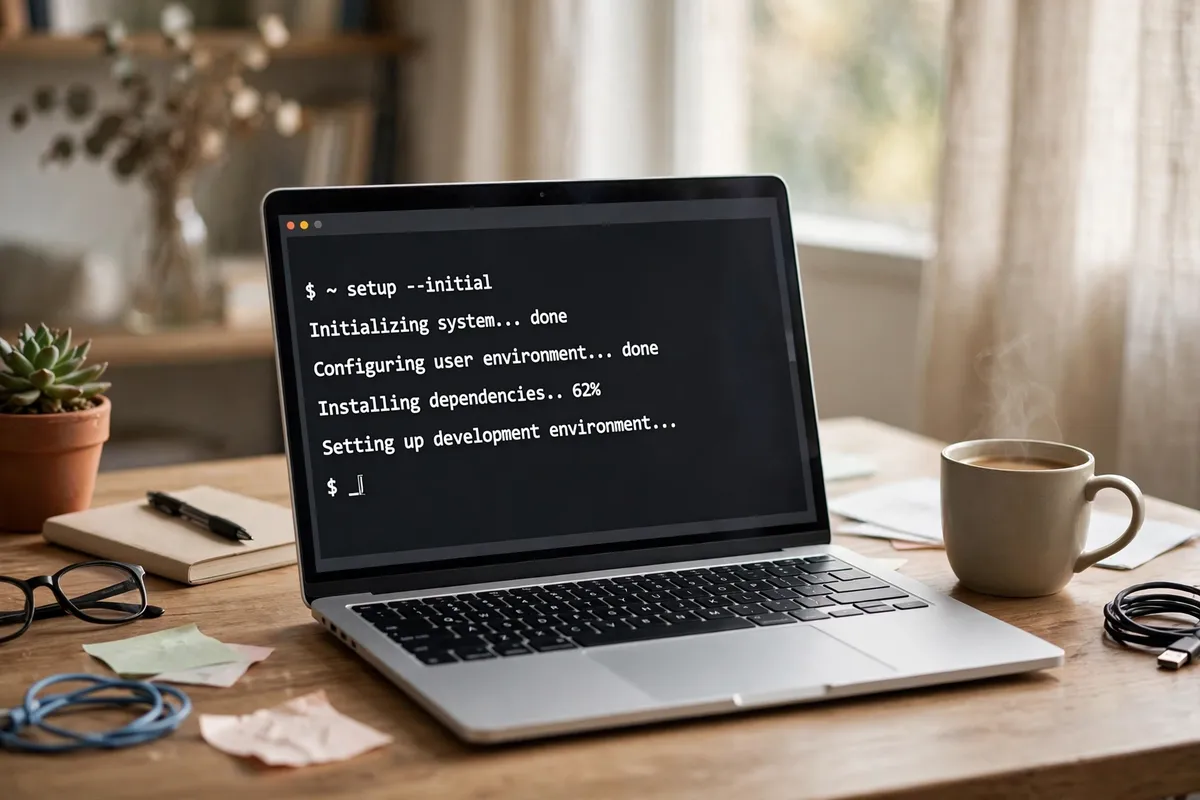
A fast laptop with a messy setup is still slow. Do it in this order:
- Update everything. Old drivers cause the weirdest bugs.
- Install a package manager. Homebrew on Mac, winget on Windows, your distro’s manager on Linux.
- Set up Git and SSH keys. Generate a fresh SSH key pair and add it to GitHub. Then generate strong unique passwords for your dev accounts instead of reusing one everywhere.
- Install your editor and extensions. VS Code is the default for a reason. These best VS Code extensions for developers improve your workflow more than any hardware upgrade.
- Use version managers. nvm for Node, pyenv for Python. Never install languages system-wide.
- Install Docker. It pays off the first time you need a database or someone else’s exact environment.
- Sync dotfiles and turn on backups. Keep editor and shell configs in a Git repo and enable automated backups.
- Tune your AI workflow. Precise prompts get better code from AI assistants. Our AI prompt generator structures prompts for debugging, reviews, and documentation.
Should you buy a refurbished programming laptop?
Yes, with two conditions: buy business-class machines and always get a warranty. A 2-year-old refurbished ThinkPad, Dell Latitude, or HP EliteBook often outlasts a brand-new consumer laptop.
Check before buying: battery health (ask for cycle count; under 80% capacity means a replacement), SSD health (reputable refurbishers test this), a minimum 6-month warranty (ideally 12), and an upgrade path with socketed RAM and accessible SSD slots.
Avoid: old consumer laptops with everything soldered, machines over 4 years old (driver and OS support fade), and sellers who dodge basic questions about battery and SSD health.
Who should NOT buy an expensive laptop
- You code mostly in the browser. GitHub Codespaces, Replit, and cloud IDEs run the heavy work remotely. A $600 machine with a good keyboard and fast wifi is genuinely enough.
- You are just learning. Start cheap. Upgrade when your skills, not your shopping cart, demand it.
- Your employer provides a work laptop. Do not duplicate it. Spend the money on a great monitor, keyboard, and chair instead.
- Your bottleneck is not hardware. Slow wifi or 200 open tabs make any laptop feel slow. Fix those first; they are free.
The best laptop matches your actual work, not your aspirations.
Conclusion
The best laptops for programming share three traits: enough RAM for your real workload, a keyboard and display you can live with for years, and an OS that runs your tools without fights. The MacBook Pro 14 is the safest premium pick, the Dell XPS 14 is the Windows answer, the ThinkPad T14 is the Linux champion, and the ThinkBook 16 G7 proves you do not need a fortune.
FAQ
What are the best laptops for programming in 2026?
The best laptops for programming in 2026 include the MacBook Pro 14 for overall performance, the Dell XPS 14 for Windows, the ThinkPad T14 Gen 7 for keyboard and Linux, and the ThinkBook 16 G7 on a budget. Match your choice to your OS, workload, and budget.
How much RAM do I need for programming?
16GB is the minimum for comfortable development, handling an IDE, browser tabs, and light Docker use. Choose 32GB for virtual machines, heavy IDEs, or multiple containers. 64GB is only necessary for machine learning, large datasets, or very large codebases.
Is a MacBook good for programming?
Yes. macOS is Unix-based, so terminal tools, Git, and scripting work naturally, and Apple silicon delivers outstanding performance per watt with the best battery life in the industry. Native iOS development requires a Mac, while local ML training favors NVIDIA CUDA laptops.
Do I need a dedicated GPU for programming?
No. Web development, mobile apps, backend services, and general software engineering run perfectly on integrated graphics. You only need a dedicated GPU for game development, 3D work, video processing, or machine learning with CUDA acceleration.
Which laptop is best for a computer science student?
The Acer Swift 3 (around $650) is the best value, with a Ryzen 7 chip and 16GB of RAM for every typical assignment. The MacBook Air 13 adds better battery life and portability if your budget stretches. Prioritize 16GB of RAM and an SSD over a faster CPU.
What specs matter most for compiling large codebases quickly?
A modern multi-core processor and plenty of RAM matter most, followed by a fast NVMe SSD. For very large projects, 32GB of RAM prevents slowdowns from memory exhaustion. Single-core speed also helps incremental builds.
Should I buy a programming laptop under $700?
Yes, for web development, scripting, or learning. The Acer Swift 3 proves you can get 16GB of RAM and an SSD under $700. Confirm the 16GB minimum and a comfortable keyboard, since those affect your daily experience the most.
Is Linux or Windows better for programming?
Linux is the native home of most development tools, servers, and containers. Windows with WSL2 closes most of the gap by running a real Linux environment inside Windows. Enterprise and .NET tooling still favors Windows, while DevOps and open-source work favors Linux.
How important is the keyboard on a programming laptop?
Extremely important. You will type for thousands of hours, so key travel, layout, and feel directly affect comfort and speed. ThinkPad keyboards are widely considered the best. Try the keyboard in a store, and check arrow key placement and Enter and Backspace key sizes.
Can I use a gaming laptop for programming?
Yes, especially for game development and machine learning where the dedicated GPU is genuinely useful. The trade-offs are weight, fan noise, and poor battery life. For general web or backend work, a lighter machine with more RAM is usually the smarter buy.
What is the best laptop for AI and machine learning in 2026?
For learning ML on a budget, an NVIDIA RTX laptop like the Lenovo LOQ (RTX 4060, 8GB VRAM, under $900) is the best start because CUDA is essential. Serious local training wants 32GB+ of system RAM and 12GB+ of VRAM. Many developers offload heavy training to free cloud GPUs like Google Colab.
How long should a programming laptop last?
A good programming laptop should last 4 to 5 years. Business-class machines like ThinkPads and MacBooks age best thanks to better build quality and longer OS support. Buy 16GB of RAM minimum (32GB if you can), choose upgradeable models, and replace the battery around year 3.