Best Free VPN 2026: 7 Safe Picks That Are Actually Free
If you are hunting for the best free VPN, you have probably noticed the problem. App stores are full of free VPN apps with millions of downloads and names you have never heard of. Most are not real VPNs. They are ad machines that log your traffic, and some have sold user data. Picking wrong is worse than using no VPN at all.
This guide covers seven free VPNs you can actually trust in 2026: what each limits, who each fits, and the catch behind every free-forever plan. Plus a 30-second quiz, the free VPNs to avoid, and a simple public WiFi setup workflow.
The best free VPN in 2026 is Proton VPN: unlimited data, audited no-logs practices, and open-source apps at zero cost. Windscribe is the runner-up with 10 GB per month and unlimited devices. Every free VPN trades something: data, speed, server choice, or device count.
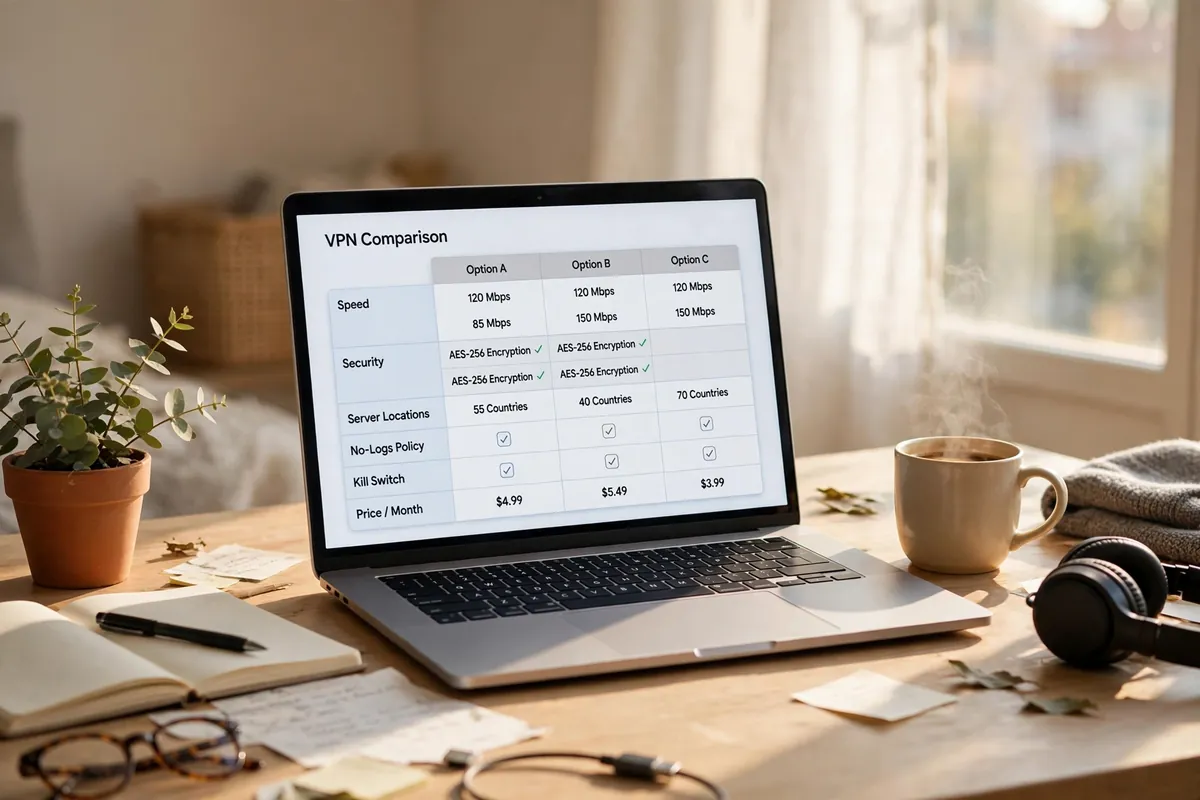
Table of Contents
- The catch with free VPNs
- The 7 best free VPNs
- Side-by-side comparison
- 30-second quiz
- Who should NOT use one?
- Free VPNs to avoid (and why)
- 5 common mistakes
- How long does 10 GB last?
- When to upgrade to paid
- Staying safe on public WiFi
- Regional notes
- Final word
- FAQ
What’s the catch with free VPNs?
Free VPNs cost you something, just not money. The honest ones charge you in limits. The dishonest ones charge you in privacy. Knowing which is which is the whole game.
Here is what honest free VPNs limit:
- Data. Most free plans cap you at 2 GB to 10 GB per month. Proton VPN and hide.me offer unlimited data but limit you elsewhere.
- Server locations. You might get 8 to 13 locations instead of 60+, and some plans pick the country for you.
- Speed. Free servers are shared and crowded, so speeds drop at peak hours.
- Devices. Most free plans protect one device at a time. Windscribe is the exception.
- Streaming and torrenting. Several free plans block P2P traffic and cannot unblock Netflix reliably.
How do the honest ones survive? Paying customers fund the free tier. A free VPN with no visible revenue source is the one you should fear. [Research] eSecurity Planet’s 2026 free VPN review notes that reputable providers publish clear privacy commitments for their free plans.
The 7 best free VPNs in 2026
1. Proton VPN: best overall free VPN
The closest thing to a real VPN at zero cost: no data cap, no imposed speed limit, a Swiss base, open-source apps, and an audited no-logs policy. Limits: one device at a time, an auto-assigned server from about 10 locations, and no P2P. Great for: everyday browsing and public WiFi without watching a data meter.
2. Windscribe: best for multiple devices
The only free VPN with no device limit: one account covers your phone, laptop, and tablet at once. You get 10 GB per month with a verified email (2 GB without), 10 countries, a built-in ad blocker, and stealth protocols for restricted networks. The catch is the cap: 10 GB sounds generous until one streaming session eats it. Great for: households with several devices.
3. PrivadoVPN: best free VPN for streaming
The free plan that tries hardest at streaming: testers found it unblocks Netflix US on the free tier. You get 10 GB per month across 13 locations and solid speeds from a Swiss base. Limits: one device at a time, no published audit yet. When the 10 GB runs out, it throttles you to 1 Mbps instead of cutting you off. Great for: occasional streaming on one device.

4. hide.me: best for choosing your free country
Unlimited data plus your own server choice: 8 locations you pick yourself. Based in Malaysia, outside the 5/9/14 Eyes alliances, independently audited, with WireGuard support. Limits: one device at a time and slower speeds than capped plans at peak hours. Great for: unlimited browsing with your own choice of country.
5. TunnelBear: simplest free VPN for beginners
Wins on simplicity: friendly app, minutes to set up, and yearly independent audits by Cure53. Free users get 2 GB per month with the server picked by the app. That is cafe email and light browsing, nothing more. Great for: first-time users.
6. Hotspot Shield: best for quick US browsing
US servers with 500 MB per day on mobile, about 15 GB a month if used daily. That covers light browsing and email on the go. Trade-offs: the free tier is ad-supported and the logging history is weaker than the others here. Treat it as a convenience tool, not a privacy tool. Great for: quick free US browsing on a phone.
7. NordVPN (30-day money-back): best free premium month
No free plan, but the 30-day money-back guarantee gives you a full premium VPN for a month: under 4% speed loss in tests, streaming unblocked, torrenting allowed. Set a calendar reminder on day 25 to request your refund if you will not keep it. Great for: a one-month window where you need full power.
Side-by-side comparison
- Proton VPN: unlimited data, about 10 auto-assigned locations, 1 device, Switzerland, audited. Best for everyday browsing.
- Windscribe: 10 GB/month, 10 countries, unlimited devices, Canada. Best for households.
- PrivadoVPN: 10 GB/month, 13 locations, 1 device, Switzerland. Best for free streaming.
- hide.me: unlimited data, 8 locations you choose, 1 device, Malaysia, audited. Best for location choice.
- TunnelBear: 2 GB/month, auto-assigned, Canada, yearly audits. Best for beginners.
- Hotspot Shield: 500 MB/day on mobile, US servers, ad-supported. Best for quick US browsing.
- NordVPN (30-day refund): unlimited for 30 days, 60+ countries, 10 devices. Best for one premium month free.
Free plans change often, so double-check limits before installing. [Research] Listify’s 2026 comparison keeps an updated breakdown as a second source.
30-second quiz: find your best free VPN
- Just want unlimited browsing on cafe WiFi? Proton VPN.
- Have a phone, a laptop, and a tablet? Windscribe.
- Want to watch Netflix US without paying? PrivadoVPN.
- Want to pick your server country, with no cap? hide.me.
- Never used a VPN before? TunnelBear.
- Need premium speed for one month? NordVPN’s 30-day refund.
- Need privacy for sensitive work? None of these. Read the next section.
Who should NOT use a free VPN?
A free VPN is a good tool for ordinary browsing and the wrong tool for some jobs. Using it there gives you false confidence.
- Journalists, activists, or anyone at real risk. You need an audited premium VPN with obfuscation, or Tor.
- Heavy downloaders. Ten gigabytes disappears in a day of big downloads. You will hit the wall or pay anyway.
- People who need one specific country every day. Free plans limit or randomize locations.
- Anyone who thinks a VPN makes them anonymous. A VPN hides traffic from your provider and the cafe owner, not from sites where you log in. Pair it with unique passwords from our password generator.
Free VPNs to avoid (and why)
Not every free VPN is merely limited. Some are actively harmful:
- Urban VPN: slow, leaks user IPs in tests, and sells user records to third parties.
- Hola VPN: routes your traffic through other users’ connections, so a stranger’s activity can look like yours. It has sold logs.
- Betternet: a logging record, frequent leaks in testing, and a 500 MB daily cap.
- Random mobile-only apps: millions of downloads, no company website, no audit, no visible business model. Usually ad-funded logging machines. [News] Gizmodo’s 2026 free VPN testing found the same pattern: the free VPNs worth using limit your data or speed.
Rule of thumb: if a free VPN offers unlimited everything with no account, no ads, and no visible revenue, you are the product.
5 mistakes people make with free VPNs
- Forgetting the kill switch. If the VPN drops for a second, your real IP is exposed. Turn it on so all traffic stops when the tunnel drops.
- Never testing for leaks. Connect the VPN, then search for DNS leak test and run one. If it shows your real provider or home city, switch to WireGuard and test again.
- Trusting the unknown unlimited app. The sketchy app with unlimited data and no signup is generous with your data, to its advertisers. Choose the audited provider with a visible business model.
- Logging into accounts and feeling invisible. Your VPN hides your connection, not your identity. A VPN plus unique passwords beats a VPN alone.
- Ignoring the cap until it dies mid-trip. Check your usage in the app before you travel.
How long does 10 GB actually last?
Rough math for the 10 GB plans:
- Web browsing and email: about 50 to 150 MB per hour, so 10 GB covers roughly 60 to 100 hours of light browsing.
- HD video streaming: about 3 GB per hour. Ten gigabytes gives you roughly 3 hours. One movie night can finish your month.
- Video calls: about 1 to 1.5 GB per hour. Expect 7 to 8 hours of calls.
- Music streaming: about 100 MB per hour. Close to 100 hours of audio.
Free VPN data is plenty for browsing, email, maps, and messaging, but video is the budget killer. If streaming is your main use, the unlimited plans fit better despite their other limits.
When it’s time to upgrade to a paid VPN
Free VPNs are a starting point, not a destination. Upgrade when you hit these walls:
- You need a specific country every day for work or streaming.
- You torrent regularly and your free plan blocks P2P.
- Your whole household needs protection and one device is not enough.
- Free speeds frustrate you at peak hours.
- You want router-level protection covering every device at home.
Budget providers start around $2 to $3 per month on long plans. Watch the renewal trap though: many advertise a low first-year price and triple it on renewal, so set a reminder before your renewal date.
How to stay safe on public WiFi with a free VPN
A free VPN only protects you if it is set up right. Run this five-minute workflow once:
- Download from the provider’s official website, not a random app store clone. Fake VPN apps spread malware.
- Turn on the kill switch before your first connection.
- Pick the WireGuard protocol if the app offers a choice.
- Run a leak test and confirm your IP and DNS show the VPN’s location.
- Keep the VPN on for the entire session. Connecting only for the important stuff leaves the rest exposed.
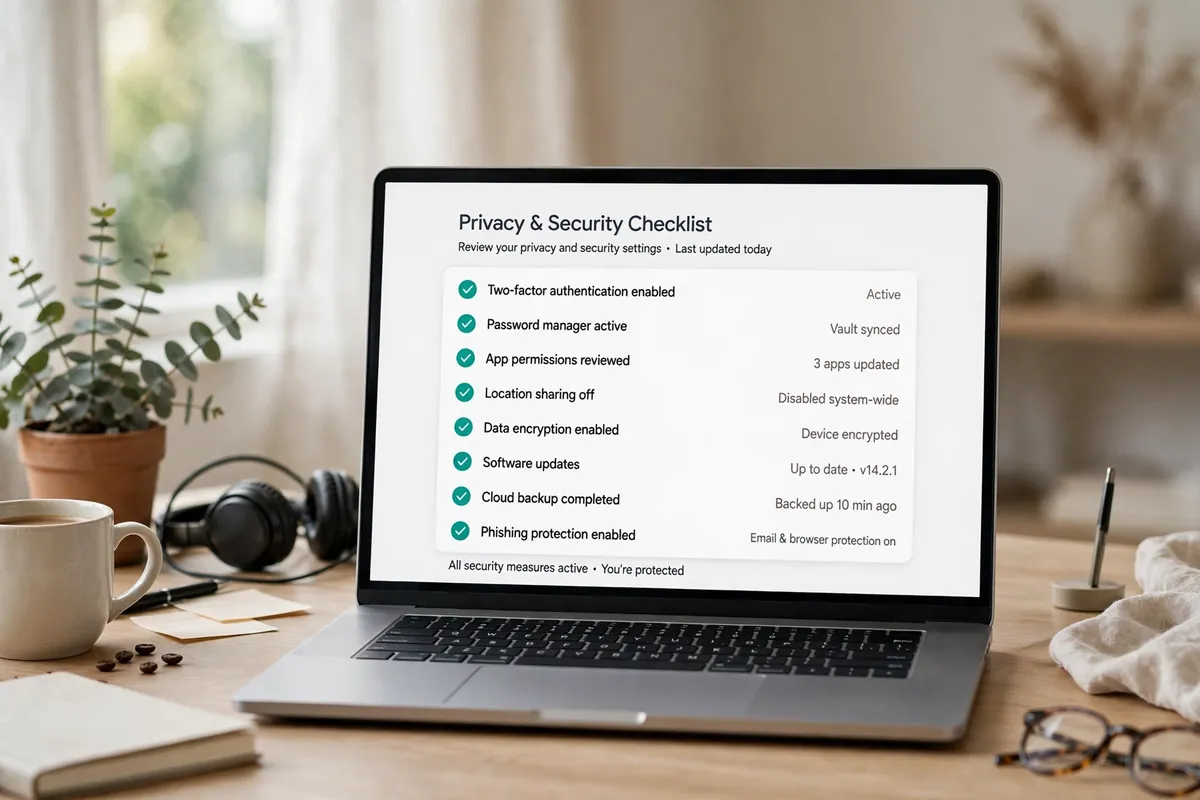
On a work laptop, a VPN is one layer, not the whole plan. Pair it with the basics in our small-team security guide.
Regional notes: USA, UK, and the rest of the world
- USA: VPNs are fully legal. A free VPN is a sensible habit for coffee shops, airports, and hotels, though some streaming services block known VPN IPs.
- UK: VPNs are legal, and the UK’s data retention laws give you a good reason to use one. BBC iPlayer blocks most free VPNs.
- EU: Strong privacy laws help, but your ISP can still see your browsing without a VPN. Any pick on this list works for everyday EU use.
- Restricted networks (parts of the UAE, some workplaces and campuses): a plain VPN handshake can be detected and blocked. You need obfuscation: Proton VPN’s Stealth and Windscribe’s stealth mode both exist on the free tier.
Final word
Choosing the best free VPN comes down to one question: what will you use it for? Unlimited browsing on public WiFi points to Proton VPN. A house full of devices points to Windscribe. Streaming points to PrivadoVPN. Match the plan’s limits to your habits, avoid the sketchy unlimited apps, and turn on the kill switch before you connect.
FAQ
What is the best free VPN in 2026?
Proton VPN is the best free VPN for most people in 2026: unlimited data, no speed cap imposed by the provider, open-source apps, and an audited no-logs policy under Swiss privacy law. Limits: one device at a time and auto-assigned server locations.
Is there a completely free VPN with unlimited data?
Yes. Proton VPN and hide.me both offer free plans with unlimited data and no monthly cap. Proton VPN allows one device with auto-assigned locations; hide.me lets you choose from 8 locations, also one device. Both are funded by paying customers.
Are free VPNs safe to use?
Reputable free VPNs with audits and clear privacy policies are safe for everyday browsing. Unknown free VPN apps with no visible business model are not: many log your activity, show ads, or sell data. Stick to providers whose paid plans fund the free tier.
Do free VPNs sell your data?
Some do, but a price of zero does not automatically mean your data is for sale. Proton VPN, Windscribe, and TunnelBear publish specific no-logs commitments for their free plans. Read the current privacy policy before signing up, since policies can change.
Can I use a free VPN for Netflix?
Sometimes. PrivadoVPN and Windscribe have unblocked Netflix US on free plans in independent tests, but free servers get blocked often and 10 GB lasts only about 3 hours of HD video. For reliable region-switching you still need a paid VPN.
Can I use a free VPN for torrenting?
Most free plans block P2P, including Proton VPN, hide.me, and TunnelBear on their free tiers. Windscribe allows it within the 10 GB cap. If you torrent regularly, a paid VPN with port forwarding and a no-logs audit is the right tool.
Is using a free VPN legal?
In the USA, UK, and most of the world, using a VPN is completely legal. A few countries restrict or ban VPNs, so check local law before you travel. And remember: using a VPN does not make illegal activity legal anywhere.
Will a free VPN slow down my internet?
Somewhat. Free servers are crowded, so expect a noticeable drop at peak hours. In tests, Proton VPN’s free tier ran about 14 percent slower than the base connection, which is solid for a free plan. Paid plans and WireGuard reduce the slowdown.
Should I get a free VPN or a paid one?
Get a free VPN for basic browsing and public WiFi protection if you can live with data caps or fewer locations. Get a paid VPN if you stream daily, torrent, need a specific country, protect a household, or want faster speeds. Start free, upgrade when you hit a wall.